Printer Rental for Events & Exhibitions – Everything You Need to Know
Whether you run a small startup, a growing mid-size company, or a large corporate office, one thing remains constant — you need a reliable printer. But with dozens of printer types, brands, and features available in the market, choosing the right one can feel overwhelming.
The good news? You don’t have to figure it all out on your own. This comprehensive guide will walk you through everything you need to know to choose the perfect printer for your business — or better yet, help you decide whether renting a printer is smarter than buying one altogether.
Why Choosing the Right Printer Matters for Your Business
Before we dive into the how, let’s talk about the why.
A wrong printer choice can cost your business:
- Time — slow print speeds, frequent jams, and constant maintenance interruptions
- Money — high ink/toner costs, repair bills, and early replacement expenses
- Productivity — incompatible features that don’t match your workflow
- Space — oversized printers that eat up valuable office real estate
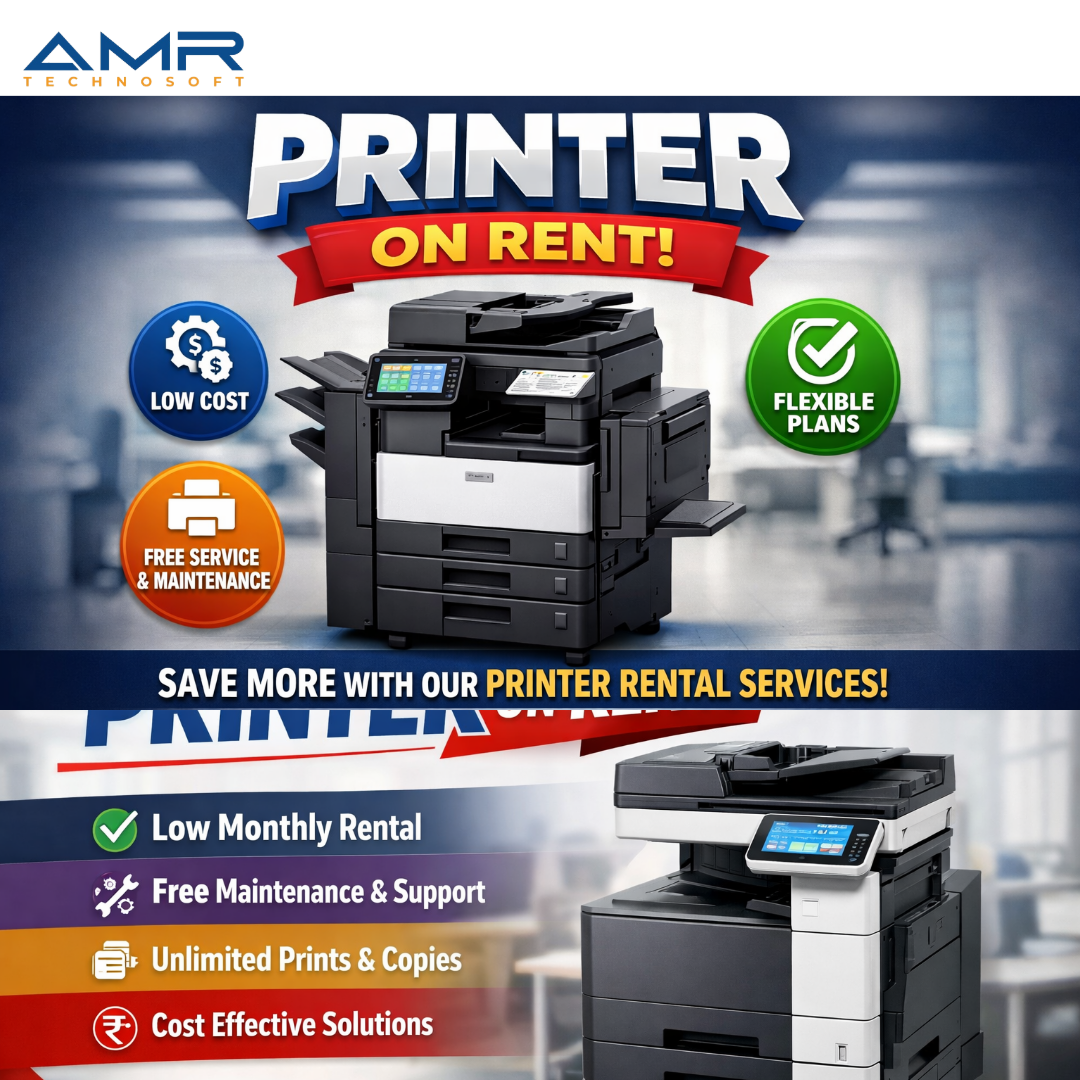
Choosing the right printer from the start, or opting for a printer on rent that matches your evolving needs, ensures smooth operations and maximum value for every rupee spent.
Step 1: Understand Your Business’s Printing Volume
The first and most important question to ask is: How much do you print?
Printers are rated by their monthly duty cycle — the maximum number of pages they can handle per month. Exceeding this regularly leads to breakdowns and expensive repairs.
Printing Volume Guide:
| Business Size | Monthly Print Volume | Recommended Duty Cycle |
| Home Office / Freelancer | Under 500 pages | 1,000 – 5,000 pages/month |
| Small Business (5–20 staff) | 500 – 2,000 pages | 5,000 – 20,000 pages/month |
| Medium Business (20–100 staff) | 2,000 – 10,000 pages | 20,000 – 50,000 pages/month |
| Large Enterprise (100+ staff) | 10,000+ pages | 50,000+ pages/month |
Pro Tip: Always choose a printer with a duty cycle at least 2x your average monthly volume to extend its lifespan.
Step 2: Choose the Right Printer Type
Not all printers are created equal. The type of printer you choose should directly match your business’s most common printing tasks.
1. Inkjet Printers – AMR Technosoft
Best for: Creative agencies, photographers, marketing teams, small offices
Inkjet printers spray microscopic droplets of ink onto paper, producing vibrant color output. They are ideal for businesses that regularly print:
- High-quality color brochures and flyers
- Photographs and creative portfolios
- Presentations with graphics and charts
Pros: Excellent color quality, affordable upfront cost, compact size
Cons: Higher per-page cost, slower print speed, ink can smear when wet
2. Laser Printers – AMR Technosoft
Best for: Corporate offices, law firms, CA offices, real estate agencies, schools
Laser printers use heat and toner powder to produce sharp, crisp text. They are the gold standard for high-volume, text-heavy document printing.
Pros: Fast print speeds, low cost per page, sharp text quality, low maintenance
Cons: Higher upfront cost, color laser printers can be expensive
Did You Know? Most businesses that opt for printer rentals choose laser printers for their reliability, low maintenance, and cost efficiency at scale.
3. Multifunction Printers (MFP / All-in-One) – AMR Technosoft
Best for: Offices that need printing, scanning, copying, and faxing in one device
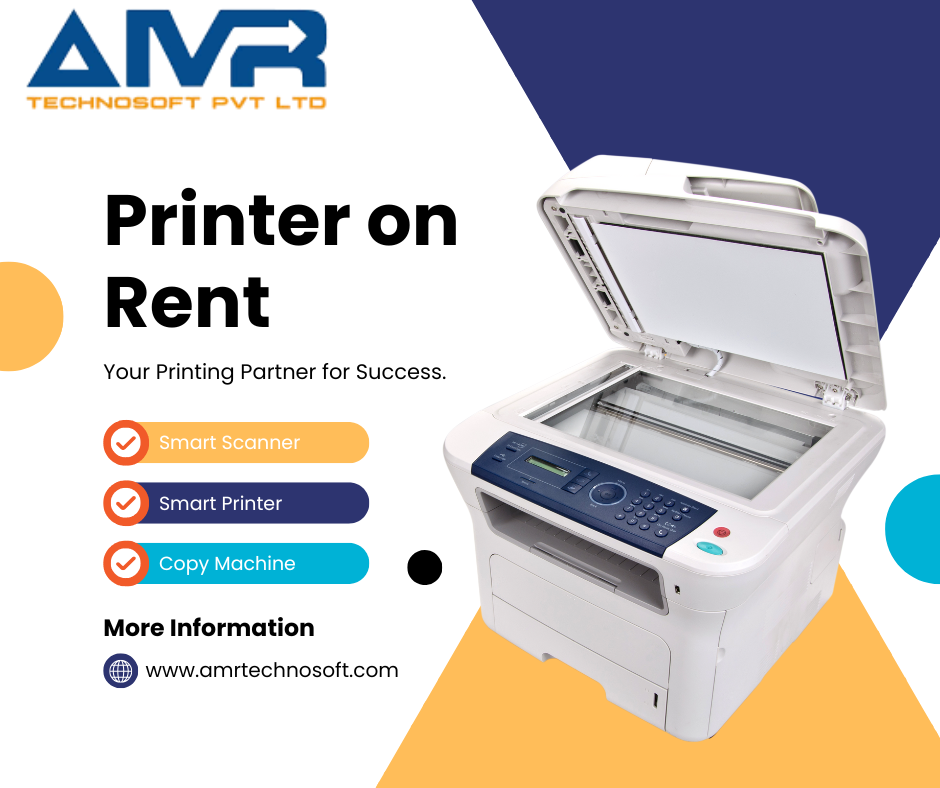
Multifunction printers (also called All-in-One printers) combine multiple office functions into a single machine. For most businesses, an MFP is the most cost-effective and space-saving solution.
Key Functions:
- Scan (flatbed and ADF — Automatic Document Feeder)
- Copy
- Fax (in some models)
- Email documents directly from the printer
Pros: Saves space, reduces equipment costs, streamlines workflow Cons: If the device breaks down, you lose all functions simultaneously
4. Wide Format / Plotters – AMR Technosoft
Best for: Architects, civil engineers, interior designers, construction firms, advertising agencies
Wide format printers can print on paper sizes from A2 to A0 and beyond. If your business regularly produces blueprints, banners, CAD drawings, or large marketing materials, this is the printer for you.
Pros: Handles oversized media, excellent for technical drawings and graphics Cons: Expensive to own, large footprint — renting a wide format printer is often the smartest choice
5. Thermal Printers – AMR Technosoft
Best for: Retail stores, logistics companies, courier services, restaurants
Thermal printers use heat to print on special paper, making them perfect for printing receipts, barcode labels, shipping labels, and price tags.
Pros: Very fast, no ink or toner required, extremely reliable Cons: Limited to specific use cases, not suitable for general office printing
Step 3: Color vs. Black and White — What Does Your Business Actually Need?
This is a question many businesses overlook — and it can significantly impact your budget.
Choose a Black & White Printer If:
- You primarily print contracts, invoices, reports, and internal documents
- Cost per page is a priority
- You print in high volumes daily
Average B&W laser print cost: ₹0.50 – ₹2.00 per page
Choose a Color Printer If:
- You print client-facing materials (proposals, brochures, presentations)
- Your industry is design, marketing, real estate, or hospitality
- Color printing is a regular requirement, not occasional
Average color laser print cost: ₹5.00 – ₹15.00 per page
Smart Strategy: Many businesses use a black & white laser printer for daily office work and a color printer (owned or rented) for client-facing materials. This hybrid approach keeps costs low without sacrificing quality.
Step 4: Consider Paper Size Requirements
Most offices work with A4 paper (standard size). However, depending on your industry, you may need support for:
| Paper Size | Use Case |
| A4 (210 × 297 mm) | Standard office documents, letters, reports |
| A3 (297 × 420 mm) | Spreadsheets, presentations, architectural sketches |
| A2 / A1 / A0 | Large engineering drawings, banners, blueprints |
| Custom / Roll Media | Banners, wide-format printing, photo prints |
Important: If you only occasionally need A3 or large-format printing, renting a printer for those specific jobs is far more economical than buying one outright.
Step 5: Evaluate Connectivity Options
Modern businesses require printers that connect seamlessly with all devices — desktops, laptops, tablets, and smartphones. Look for:
Must-Have Connectivity Features:
- Wi-Fi (Wireless Printing): Print from any device on your network without cables
- USB & Ethernet: Reliable wired connections for high-security environments
- Mobile Printing (AirPrint / Google Cloud Print / Mopria): Print directly from iPhones and Android devices
- Cloud Printing: Send print jobs directly from Google Drive, Dropbox, or email
- NFC Printing: Tap your phone to the printer to print instantly
- Duplex Printing (Two-Sided): Automatically prints on both sides — saves up to 50% on paper costs
For offices with 10+ employees, ensure the printer supports network printing so multiple users can share a single device effortlessly.
Step 6: Calculate Total Cost of Ownership (TCO)
Many businesses make the mistake of only looking at the purchase price of a printer. But the real cost lies in what comes after.
True Cost of Owning a Printer:
- Purchase Price: ₹8,000 – ₹3,00,000+ depending on type and brand
- Ink/Toner Cartridges: ₹500 – ₹15,000 per replacement (varies by yield)
- Drum/Imaging Unit: ₹2,000 – ₹10,000 (needs periodic replacement)
- Maintenance & Repairs: ₹500 – ₹5,000 per service call
- Paper Costs: ₹300 – ₹600 per ream of 500 sheets
- Electricity: Small but recurring monthly cost
- Downtime Losses: Unquantifiable but very real
The Smarter Alternative: Printer on Rent
When you rent a printer, you pay one predictable monthly fee that often includes:
✅ The printer itself (latest model)
✅ Toner/ink included or at discounted rates
✅ Free maintenance and servicing
✅ Replacement unit if your printer breaks down
✅ Upgrade options as your needs change
Step 7: Match the Printer to Your Industry
Different industries have very different printing needs. Here’s a quick cheat sheet:
| Industry | Recommended Printer Type |
| Law Firms / CA Offices | Monochrome Laser MFP (high-volume, fast, secure) |
| Real Estate Agencies | Color Laser MFP (property brochures, agreements) |
| Schools / Coaching Centers | Monochrome Laser (bulk printing, low cost per page) |
| Marketing / Ad Agencies | Color Inkjet or Color Laser (high-quality visuals) |
| Architecture / Engineering | Wide Format / Plotter (CAD drawings, blueprints) |
| Healthcare / Clinics | Compact Laser MFP (prescriptions, reports, labels) |
| Retail / E-Commerce | Thermal Printer (labels, barcodes, receipts) |
| Startups / Home Offices | Compact Inkjet or Laser MFP (versatile, space-saving) |
| Event Management | Color Laser + Wide Format (passes, banners, invites) |
Step 8: Top Printer Brands to Consider
When choosing a printer brand, reliability, service network, and toner/ink availability matter a lot — especially in India.
1. HP (Hewlett-Packard)
The most popular brand in Indian offices. Wide range from basic inkjets to enterprise-grade laser MFPs. Excellent service network across all major cities.
2. Canon
Known for exceptional image and photo quality. A favorite for creative businesses and photo studios. Reliable laser lineup for offices too.
3. Epson
Pioneers of EcoTank technology — refillable ink tanks that dramatically reduce ink costs. Great for high-volume color printing.
4. Brother
Extremely reliable laser printers built for heavy-duty office use. Lower total cost of ownership than many competitors.
5. Xerox
The gold standard for enterprise-level multifunction printers. Preferred by large corporations, banks, and government offices.
Step 9: Should You Buy or Rent a Printer?
After evaluating your needs, here’s the ultimate question.
Buy a Printer If:
- Your printing needs are extremely predictable and stable
- You have capital to invest upfront
- You have in-house IT staff for maintenance
- You’re using the printer for 5+ years continuously
Rent a Printer If:
- You want to avoid large upfront investments
- Your business is growing and your needs may change
- You want maintenance and support included
- You need a high-end printer (laser, wide-format) that’s expensive to own
- You need a printer for a short-term project, event, or contract
The Verdict: For most Indian businesses — from startups to mid-size companies — renting a printer is the smarter, more flexible, and more cost-effective choice.
Quick Checklist: Before You Choose a Printer
Use this checklist to make the right decision:
- What is my monthly print volume?
- Do I need color printing or is B&W sufficient?
- What paper sizes do I regularly need?
- Do I need scanning, copying, or faxing too?
- How many users will share the printer?
- What is my connectivity requirement (Wi-Fi, network, cloud)?
- What is my total budget — upfront AND ongoing?
- Is renting a better option for my current growth stage?
Final Thoughts
Choosing the right printer for your business is not just a one-time decision — it’s an ongoing commitment that affects your team’s productivity, your operating costs, and your overall business efficiency.
By evaluating your print volume, document types, paper sizes, connectivity needs, and total cost, you can make an informed choice that serves your business well for years to come.
And if you’d like the ultimate in flexibility, cost savings, and zero maintenance headaches — a printer on rent might just be the smartest business decision you make this year.
Ready to Get the Right Printer for Your Business?
We offer affordable printer rental plans for businesses of all sizes — with free maintenance, toner included, and flexible contract terms.
📞 Call us today at www.amrtechnosoft.com or +91 8527240222 to get a customized quote 🖨️ Same-day delivery available in select cities 💼 Monthly, quarterly, and annual plans to suit your needs